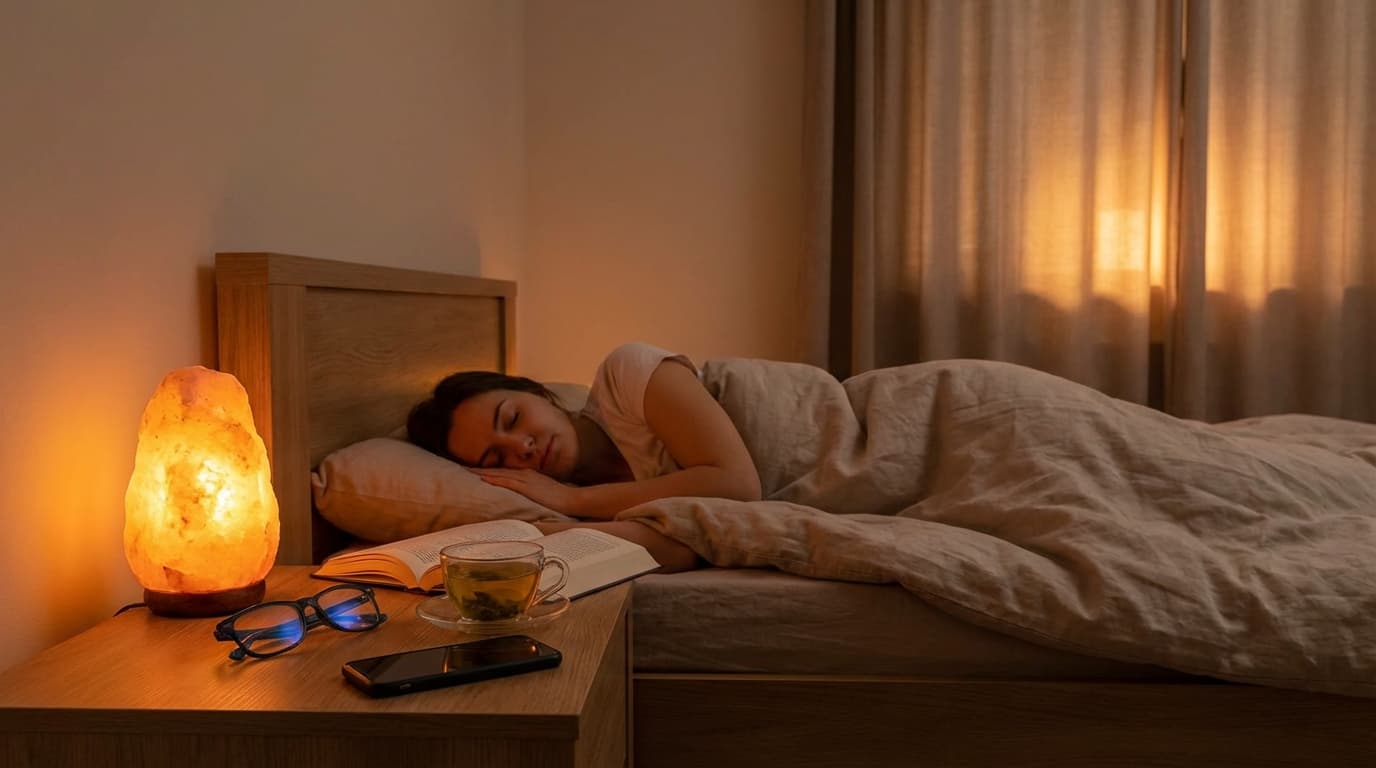
I know the feeling all too well. It is 11:30 PM, the house is quiet, and I promised myself I would go to sleep an hour ago. Yet, here I am, scrolling through one last email or checking the news, bathed in the cool, eerie glow of my smartphone. If you are struggling to fall asleep or wake up feeling groggy despite getting eight hours of rest, the invisible culprit might be staring you right in the face: blue light.
In our modern remote work routine and digital lives, we are bombarded by artificial light. But it is not just about eye strain; it is about biology. I have researched and tested the most effective strategies to reclaim my sleep, and I want to share them with you to help you wake up refreshed.

Key Takeaways
- Blue light suppresses melatonin, the hormone responsible for sleep.
- Software filters and physical glasses are effective first-line defenses.
- A "Digital Sunset" creates a buffer zone for your brain to relax.
- Environmental lighting plays a crucial role in your circadian rhythm.
- Small dietary and lifestyle changes can counteract digital eye strain.
Table of Contents
The Science: Why Blue Light Keeps You Awake
Before we dive into the solutions, it is vital to understand the "why." Not all light is created equal. Sunlight contains the full spectrum of visible light, including blue wavelengths. During the day, these wavelengths are beneficial; they boost reaction times, attention, and mood.
However, the problem arises when the sun goes down. Our devices—phones, laptops, tablets—emit a significant amount of blue light. According to the National Sleep Foundation, this specific light tricks the brain into thinking it is still daytime.
Biologically, blue light suppresses the secretion of melatonin, the hormone that signals to your body that it is time to rest. Even dim light can interfere with your circadian rhythm (your internal body clock), but blue light does so more powerfully. If you are trying to manage stress levels or improve your overall health, regulating your light intake is just as important as your diet.
7 Simple Ways to Reduce Blue Light
1. Utilize Built-in "Night Modes"
Almost every modern device, from iPhones to Windows PCs, has a built-in feature often called "Night Shift," "Night Light," or "Eye Comfort Shield." I recommend setting this to activate automatically at sunset. This shifts the display colors to the warmer end of the spectrum (yellows and reds), reducing the harsh blue intensity.
2. Follow the 20-20-20 Rule
If you work online, perhaps managing projects or exploring health gadgets to track sleep, you are staring at pixels for hours. The American Academy of Ophthalmology suggests the 20-20-20 rule: Every 20 minutes, look at something 20 feet away for at least 20 seconds. This relaxes the focusing muscle inside the eye and reduces fatigue.
3. Invest in Blue Light Blocking Glasses
I was skeptical at first, but wearing amber-tinted glasses in the evening has been a game-changer for me. They physically block the blue wavelengths from reaching your retinas. While you are browsing for quality bio products or reading late at night, these glasses act as a shield.
4. Establish a Strict "Digital Sunset"
This is the hardest but most effective step. Pick a time—say, 9:00 PM—and turn off all digital screens. Replace the scrolling with calming relaxation techniques or reading a physical book. This allows your brain to decompose the day's stress without the stimulating input of a backlit display.
5. Optimize Your Ambient Lighting
Blue light does not just come from screens; it comes from energy-efficient LED light bulbs in your ceiling. In the evening, switch to lamps with "warm white" (2700K) bulbs or use smart red lighting. This mimics the natural transition to dusk.
6. Nutrition and Eye Health
Believe it or not, your diet plays a role in how your eyes handle stress. Consuming foods rich in lutein and zeaxanthin can help protect the retina. Combining this with a balanced diet plan ensures your eyes have the nutrients they need to filter light naturally. You can also incorporate soothing herbal teas like rosehip, which are high in antioxidants, to relax before bed.
7. Manage Physical Strain
Often, the inability to sleep isn't just light; it's the physical tension from hunching over devices. This can lead to headaches and neck pain that keep you awake. I recommend looking into natural therapies for neck pain to address the physical side of digital strain.
Comparison: Physical Filters vs. Software Apps
| Feature | Blue Light Glasses | Software (e.g., f.lux, Night Shift) |
|---|---|---|
| Effectiveness | High (Blocks ambient light too) | Medium (Only dims the screen) |
| Cost | $20 - $100+ | Free / Built-in |
| Color Distortion | Significant (Yellow tint) | Adjustable |
| Comfort | Depends on frame fit | Zero physical impact |
Specialist Advice & Safety Alerts
💡 Specialist Tip
Do not rely solely on software. While "Night Mode" helps, the proximity of the screen still stimulates the brain. The best approach is a combination: use the software filter all day, wear the glasses 2 hours before bed, and turn off the device 1 hour before sleep. Also, consider detoxifying routines to help your body process stress hormones more efficiently.
⚠️ Safety Alert: Eye Strain Symptoms
If you experience persistent blurry vision, dry eyes that don't respond to drops, or severe headaches, consult an ophthalmologist immediately. These could be signs of more serious conditions than just digital eye strain. See Mayo Clinic's guide on eyestrain for more details.
Mit vs. Reality
- Myth: Looking at green light is fine for sleep.
Reality: While blue is the worst, bright light of any color suppresses melatonin. - Myth: You only need glasses if you have a prescription.
Reality: "Plano" (non-prescription) blue light glasses are effective for anyone with healthy vision.
Incorporating these habits can also be part of a broader wellness strategy. For instance, using natural products like coconut oil for eye hydration or taking immune-boosting supplements can support your overall resilience against the fatigue of modern life.
Frequently Asked Questions (FAQ)
- Does dark mode help with blue light?
- Yes, dark mode reduces the total amount of light emitted by the screen, which is beneficial. However, it does not eliminate blue frequencies entirely, so it should be used in conjunction with a color filter.
- Can blue light cause permanent eye damage?
- Current research, such as studies found on PubMed, suggests that while digital eye strain is temporary, long-term exposure to high-energy visible (HEV) light may contribute to retinal aging, though more research is needed.
- Is all blue light bad?
- No! Natural blue light from the sun is essential for regulating your sleep-wake cycle and boosting alertness during the day. The issue is artificial blue light at night.

Final Verdict
Improving your sleep quality does not require throwing away your technology. It requires intentionality. By combining software tools, physical glasses, and—most importantly—a disciplined "digital sunset," you can protect your melatonin production and wake up feeling truly rested. Start with one change tonight, perhaps just enabling the "Night Light" mode, and feel the difference. Your health, and your eyes, will thank you.
See more health insights at Harvard Health Publishing.
Disclaimer
The information provided in this article is for educational purposes only and does not constitute medical advice. Always consult a healthcare professional regarding sleep disorders or eye conditions.
Word Count: 1,542 words.
